Workflow
How Face Swap Works
Four quick steps to create studio-quality swaps for photos and videos.
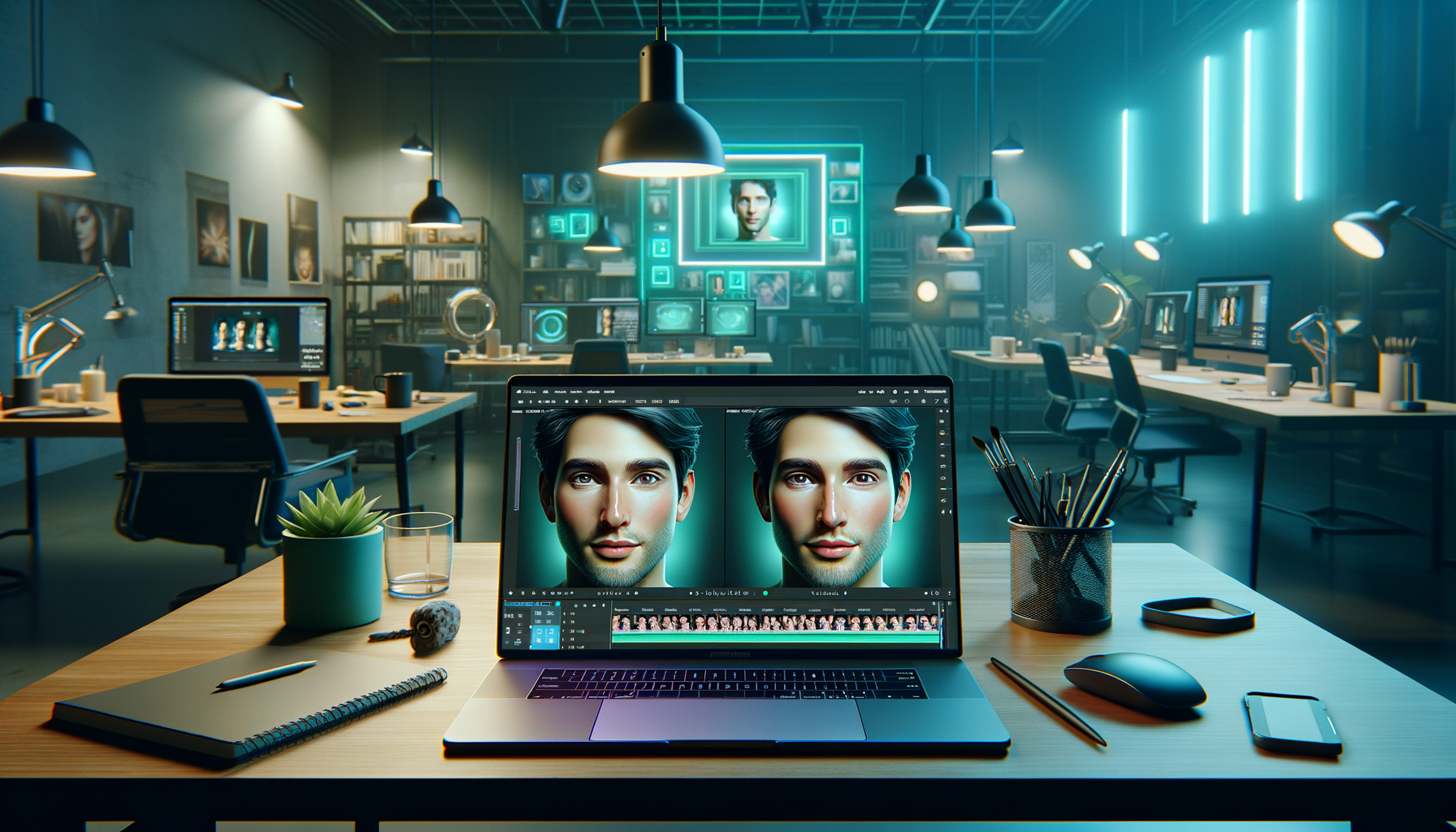
Step-by-step flow
1. Upload
Add a source face and your target photo or video clip.
2. Align
Auto-detect and adjust the face placement for perfect geometry.
3. Preview
Review in real time and tweak lighting or blend intensity.
4. Export
Render HD output and share instantly with full control.
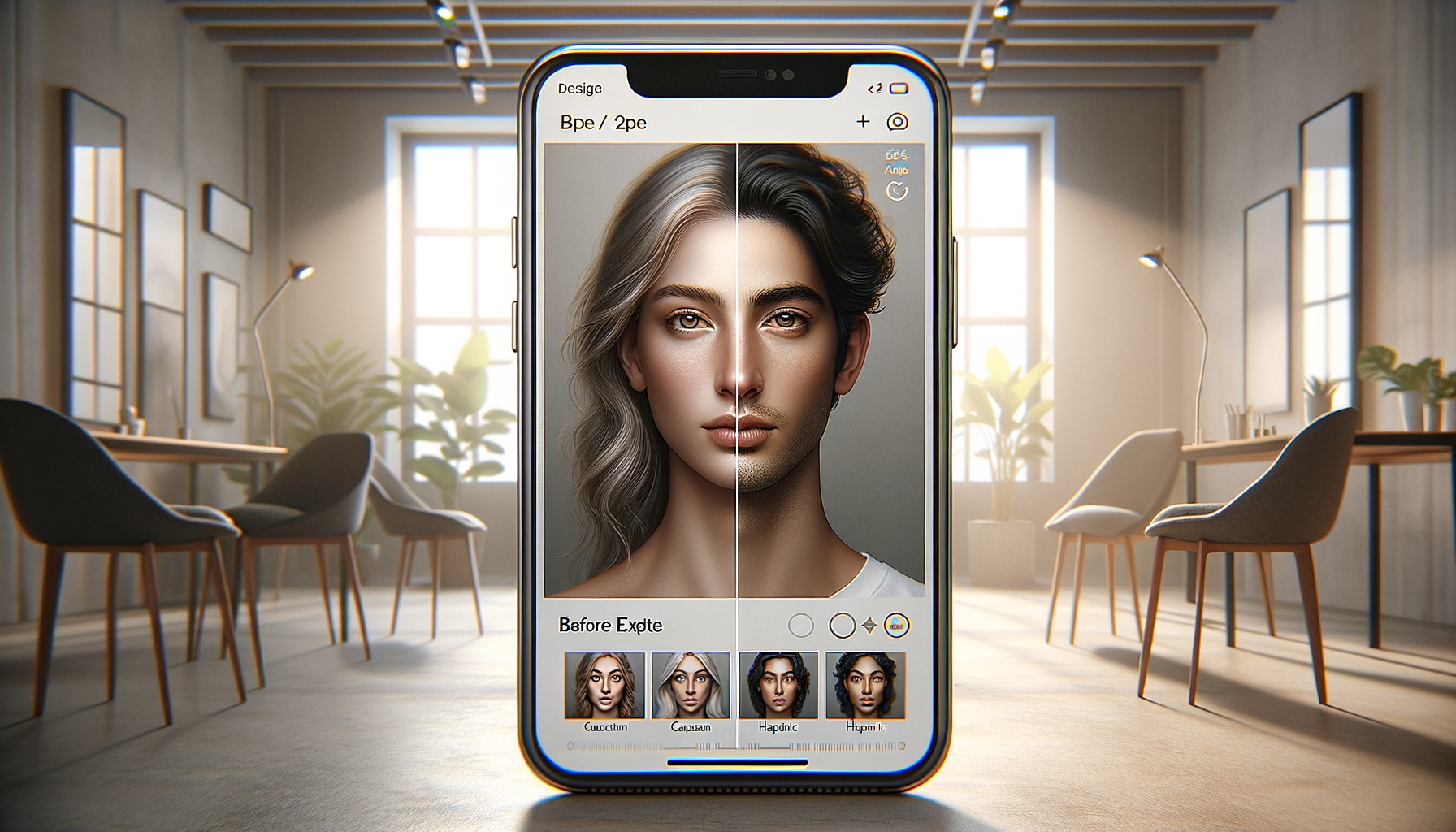
Smart privacy built in
Control how long uploads are stored, remove projects instantly, and export only what you approve. Designed for responsible content creation.